# Access Control
FastSchema includes built-in Role-Based Access Control (RBAC) with support for custom rules, allowing precise management of user access to all resources.
Source: https://fastschema.com/docs/backend/access-control
FastSchema includes built-in Role-Based Access Control (RBAC) with support for custom rules, allowing precise management of user access to all resources.
## Rules Expression
FastSchema supports custom authorization checks by defining rules.
A rule is a valid [expr](https://github.com/expr-lang/expr) expression that evaluates to a boolean value.
FastSchema `Rule` allows access to the following variables:
- `$context`: Contains request details such as user information, resource, IP address, etc.
- `$db`: Provides access to the database instance, enabling queries.
- `$args`: Includes custom arguments passed to the rule.
**Types of Rules**
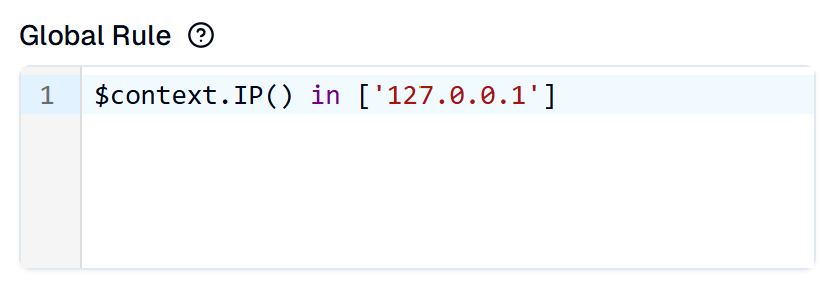
- *Role Rules*: Applied to roles and enforced across all selected resources.
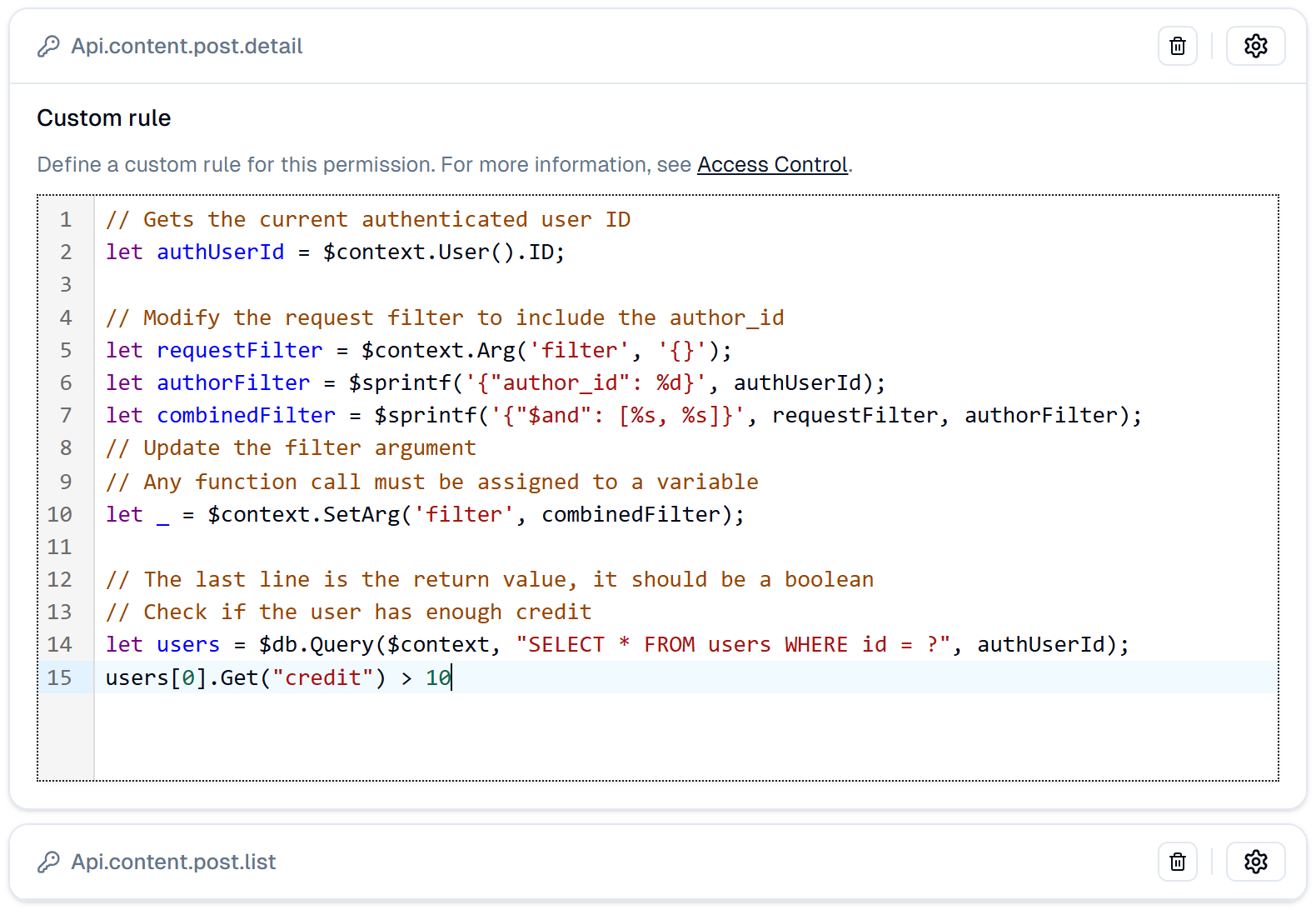
- *Permission Rules*: Applied to specific resources, enforcing rules only on those resources.
**Modifier Rules**
Rules can also modify request arguments before executing queries, offering a powerful way to customize application behavior.
```js
// Gets the current authenticated user ID
let authUserId = $context.User().ID;
// Modify the request filter to include the author_id
let requestFilter = $context.Arg('filter', '{}');
let authorFilter = $sprintf('{"author_id": %d}', authUserId);
let combinedFilter = $sprintf('{"$and": [%s, %s]}', requestFilter, authorFilter);
// Update the filter argument
// Any function call must be assigned to a variable
let _ = $context.SetArg('filter', combinedFilter);
```
## Users
You can manage the users by going to the Admin Panel and clicking on the **All Users** link under the **Content** menu.
A User should belong to one or many roles. You can assign roles to the user by updating the user details.
## Roles
At the first time you run the FastSchema, it will create three default roles: `admin`, `user`, and `guest`. You can manage the roles by going to the Admin Panel and clicking on the **Roles & Permissions** link under the **Settings** menu.
You can create new roles, assign permissions to the roles, and assign roles to the users.
A root role is a special role that has all the permissions. By default, the `admin` role is the root role.
You can make any role a root role by enabling the `root` option in the role update page.
Role rules support `$args` that represents the role that the rule is attached to.
**Role Rules**
**Permission Rules**
## Permissions
Permissions are the rules that define what a user can do. You can manage the permissions of a role by updating the role details.
If a user has multiple roles, the permissions of all the roles will be combined.